A precise way
to understand flight,
a drone controlled by code.
From card coding to Python.
As students grow, only the coding method needs to change.
Coding Drone
Advanced autonomous flight
powered by multiple sensors
A drone equipped with a forward obstacle sensor and multi-axis gyro. It supports everything from block coding to Python, covering the full learning journey from beginner to advanced without changing hardware.
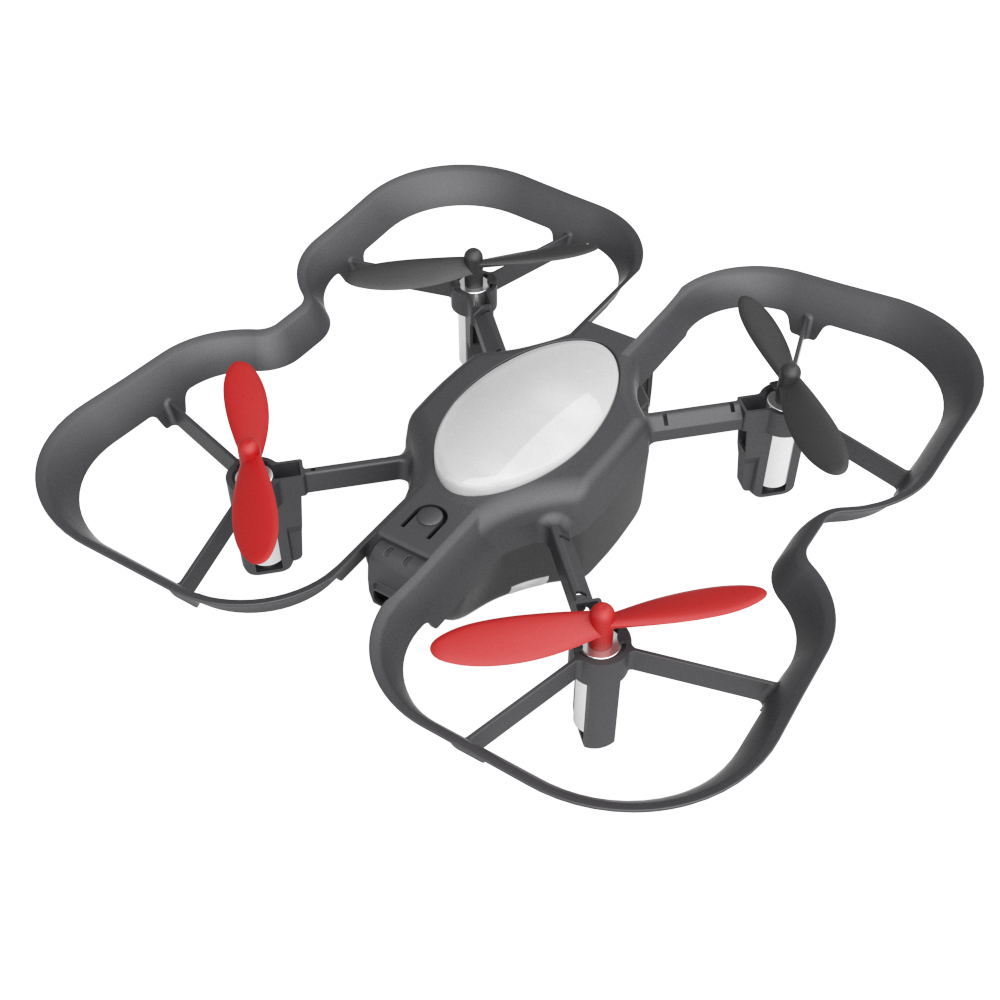
Drone Body
BMC-10S
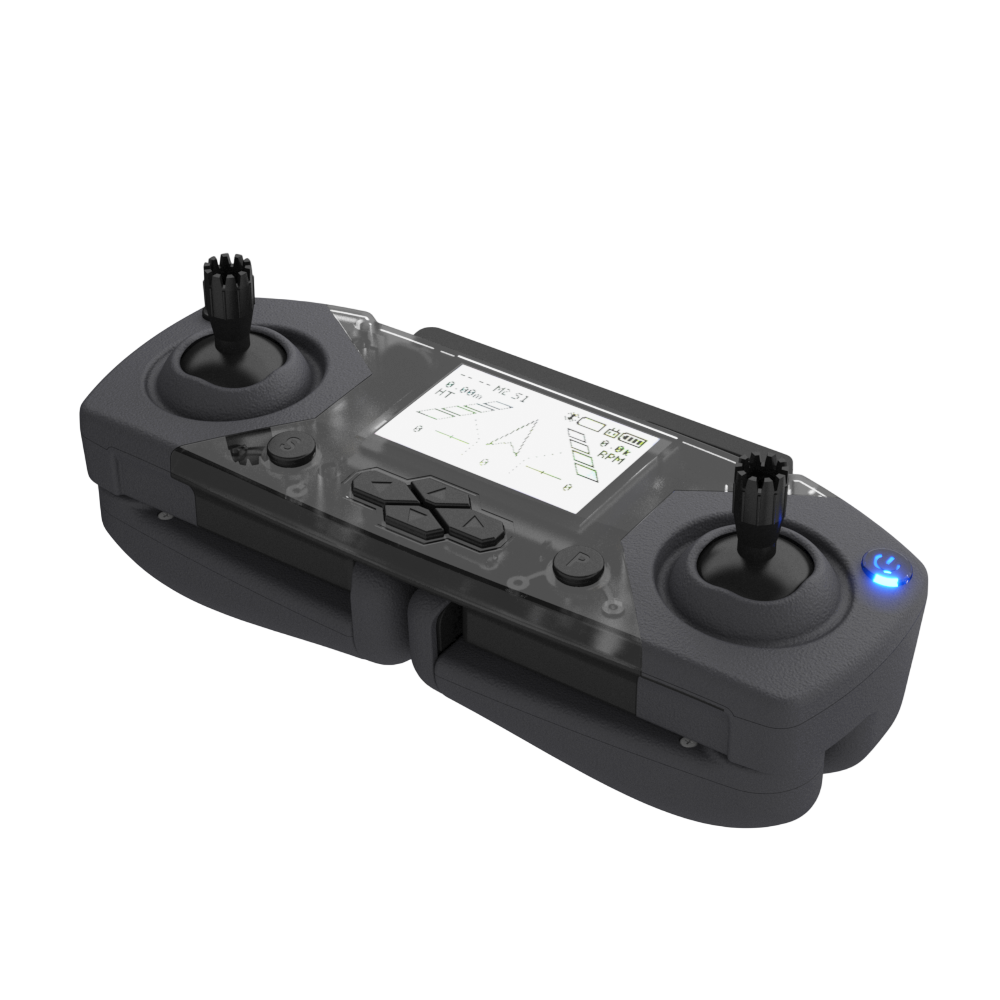
Controller
2.4GHz
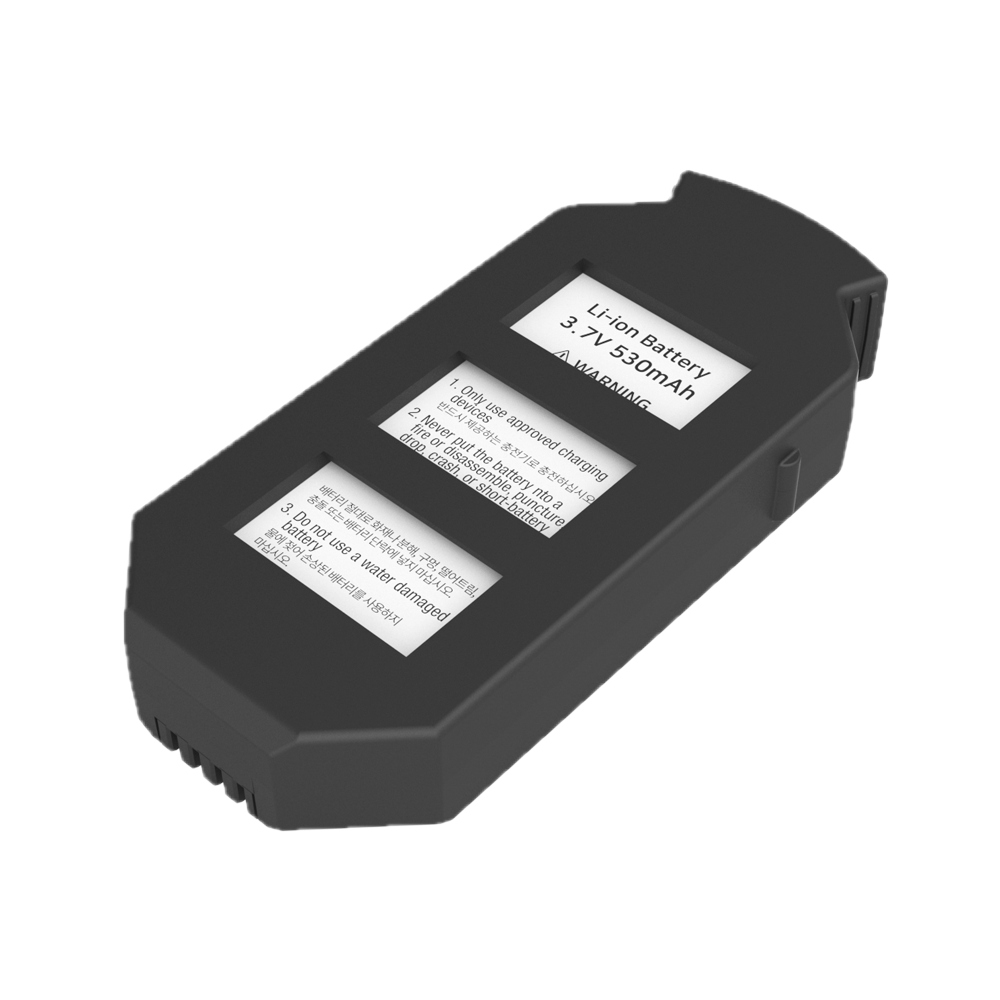
Battery
x 2
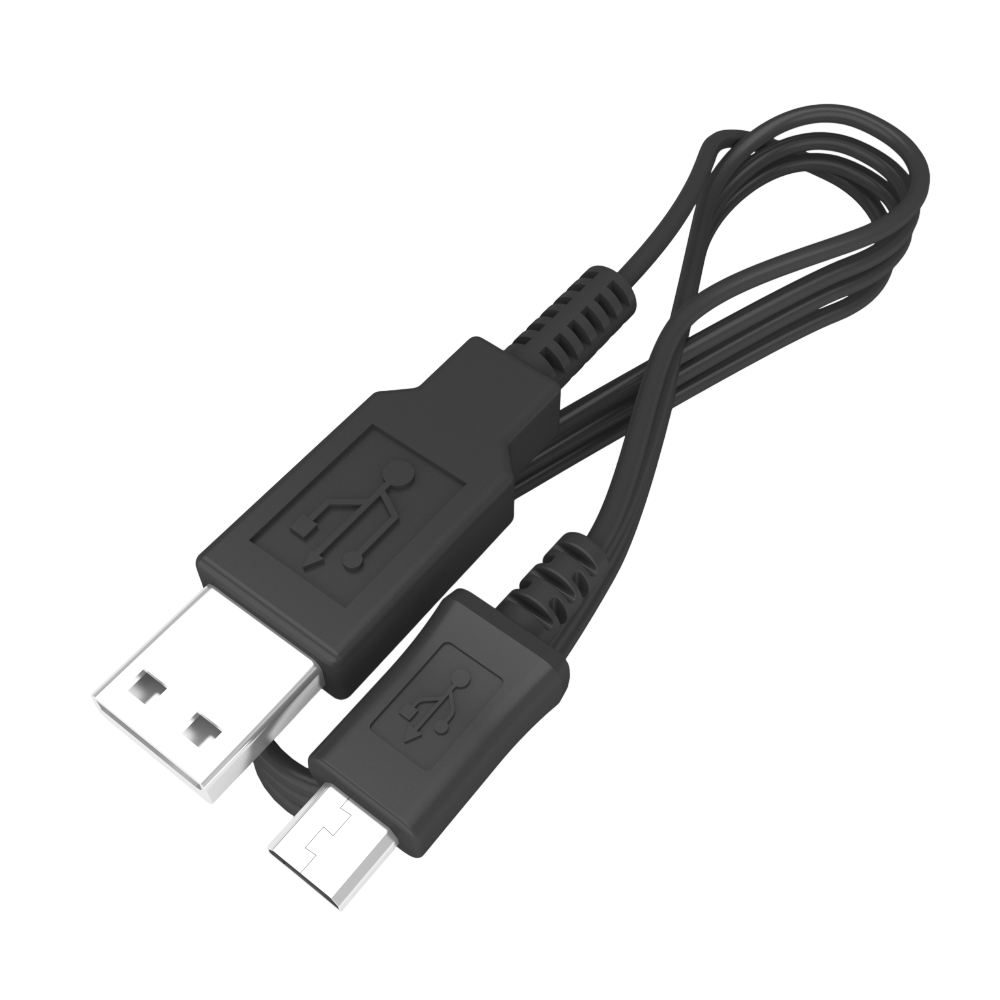
USB Charger
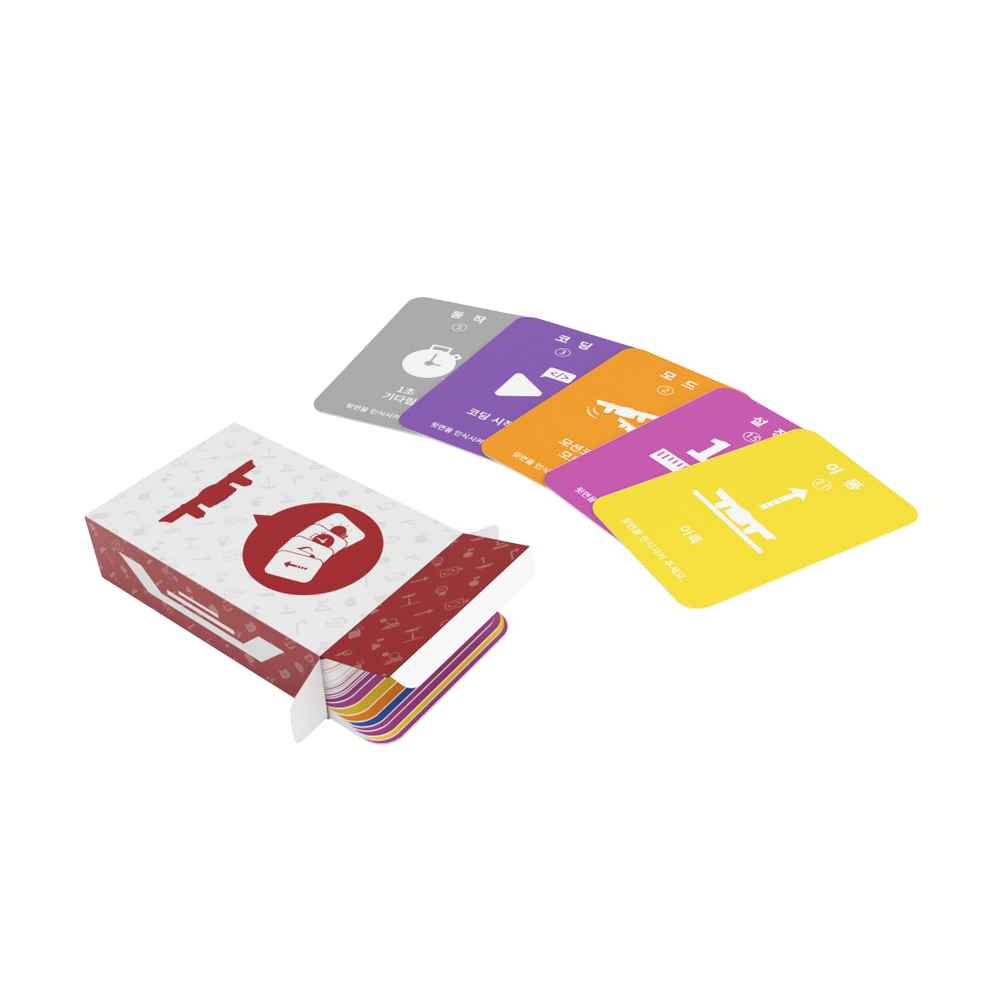
Coding Card Set
For unplugged learning
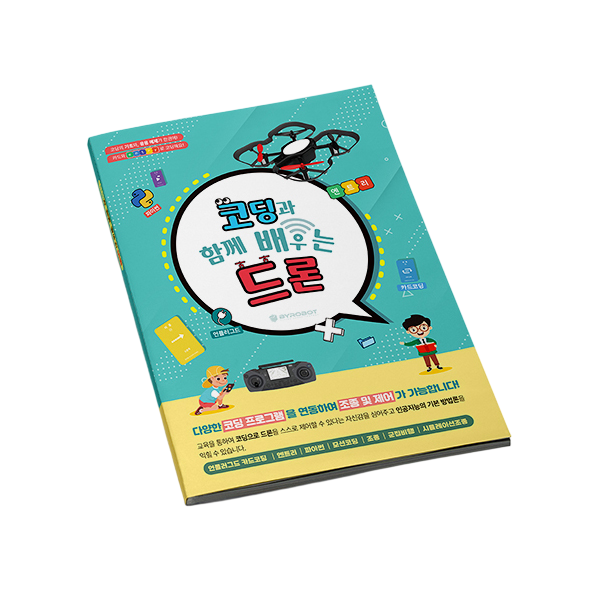
Learning Guide
Includes lesson plans
Move your hand,
and the drone follows
Coding Drone supports gesture-based flight. Before students even start coding, they can intuitively experience flight principles by controlling the drone with hand motions alone.
Even students new to drones can feel "I'm moving the drone" without writing a single line of code. It creates interest first, then leads naturally into coding.
Different sensors,
different flight
Coding Drone is equipped with a forward obstacle sensor. Based on the student's code, the drone detects obstacles on its own and decides an avoidance path.
Not just "go forward," but "turn when something is ahead" can be coded. That is what makes Coding Drone's autonomous flight unique.
Start with cards,
finish with Python
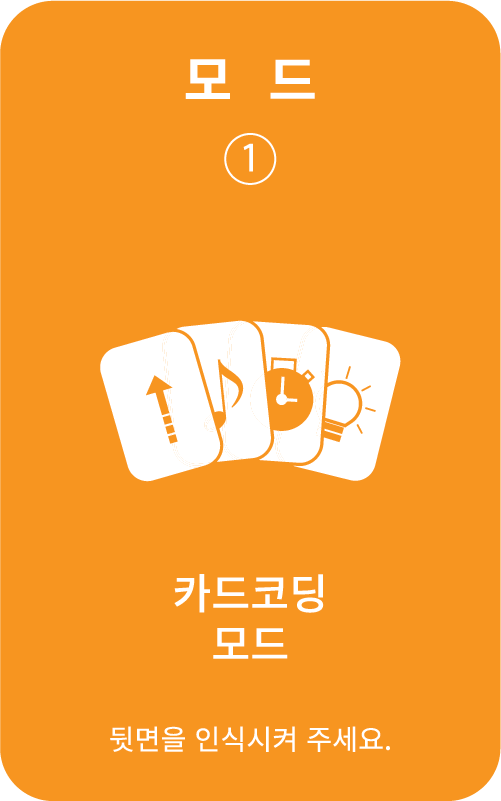
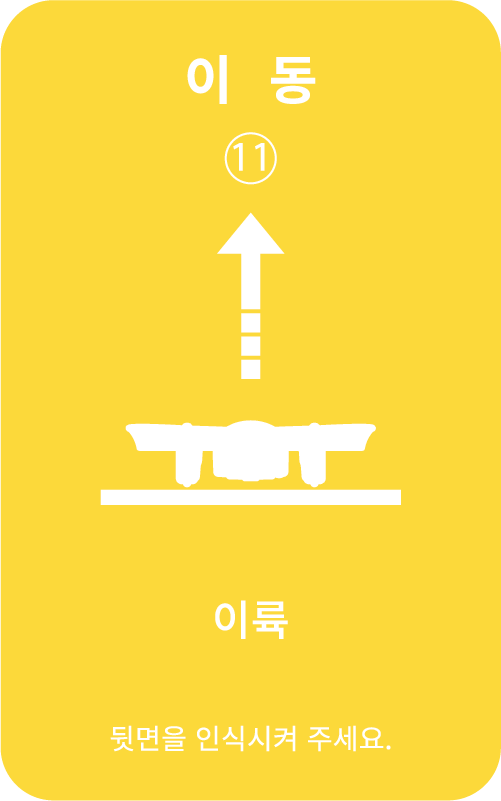
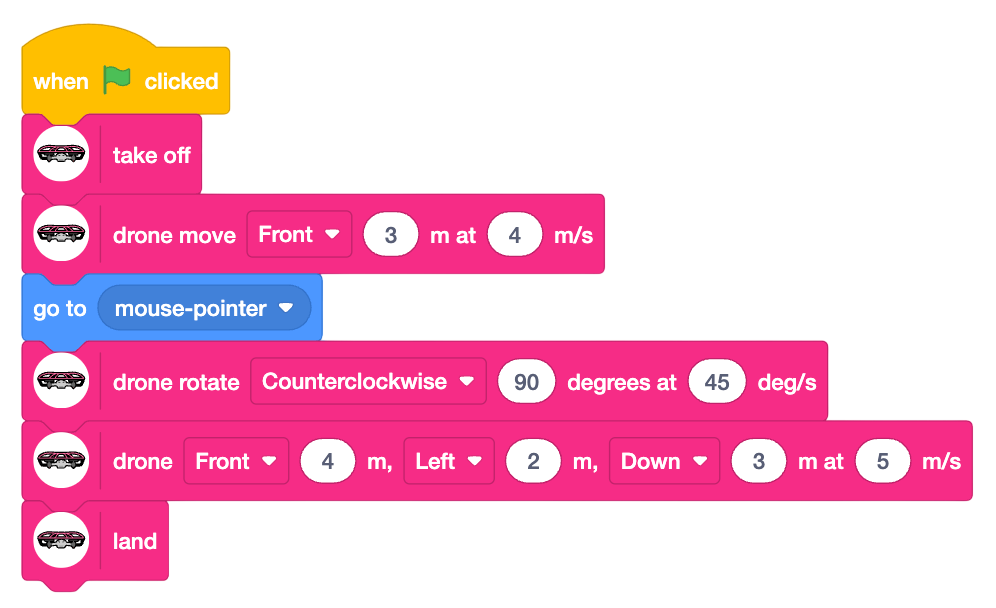
At first, students learn sequence and repetition with coding cards without a computer. As they become familiar, they build with Scratch/Entry blocks to fly the drone, and finally write autonomous flight code directly in Python.
There is no need to switch kits. As students level up, only the coding method changes.
Unplugged
Coding cards · No PC needed · Lower elementary and up
Block Coding
Scratch · Entry · Upper elementary and up
Text Coding
Python · Autonomous flight · Older elementary and up

Try Coding It Yourself
Combine the blocks and the drone reacts. The same code works on the real product too.
Coding Blocks
Altitude: 0cm
Speed: 0m/s
Direction: 0°
* On the real product, this code actually moves the drone
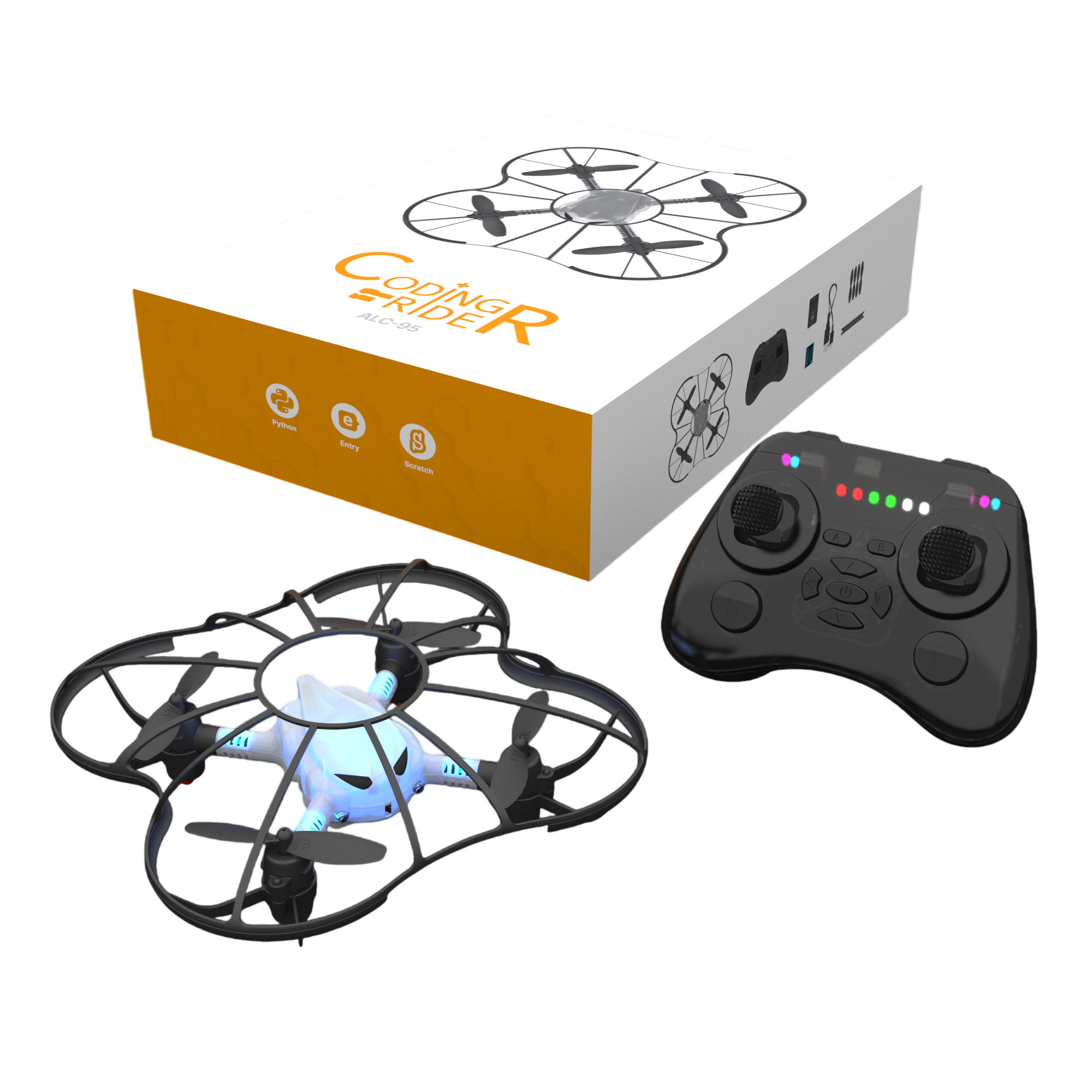
Coding Rider
A safe start to
drone coding
A beginner kit with a lightweight body and full safety guard around the propellers. Its modular structure lets students disassemble and assemble it themselves while learning hardware principles.
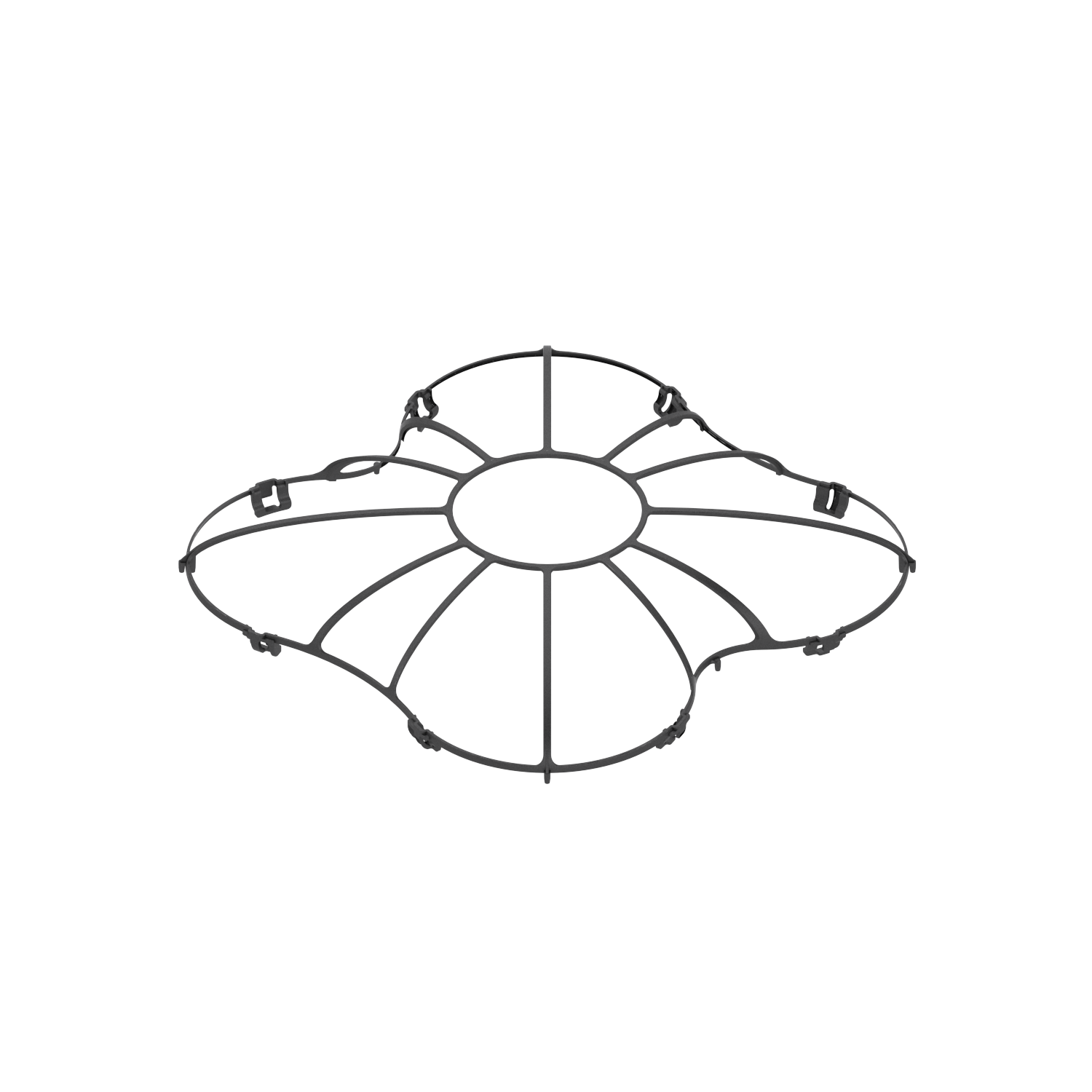
Full Safety Guard
A safety guard that fully surrounds the propellers. Even younger students can practice flying with confidence.
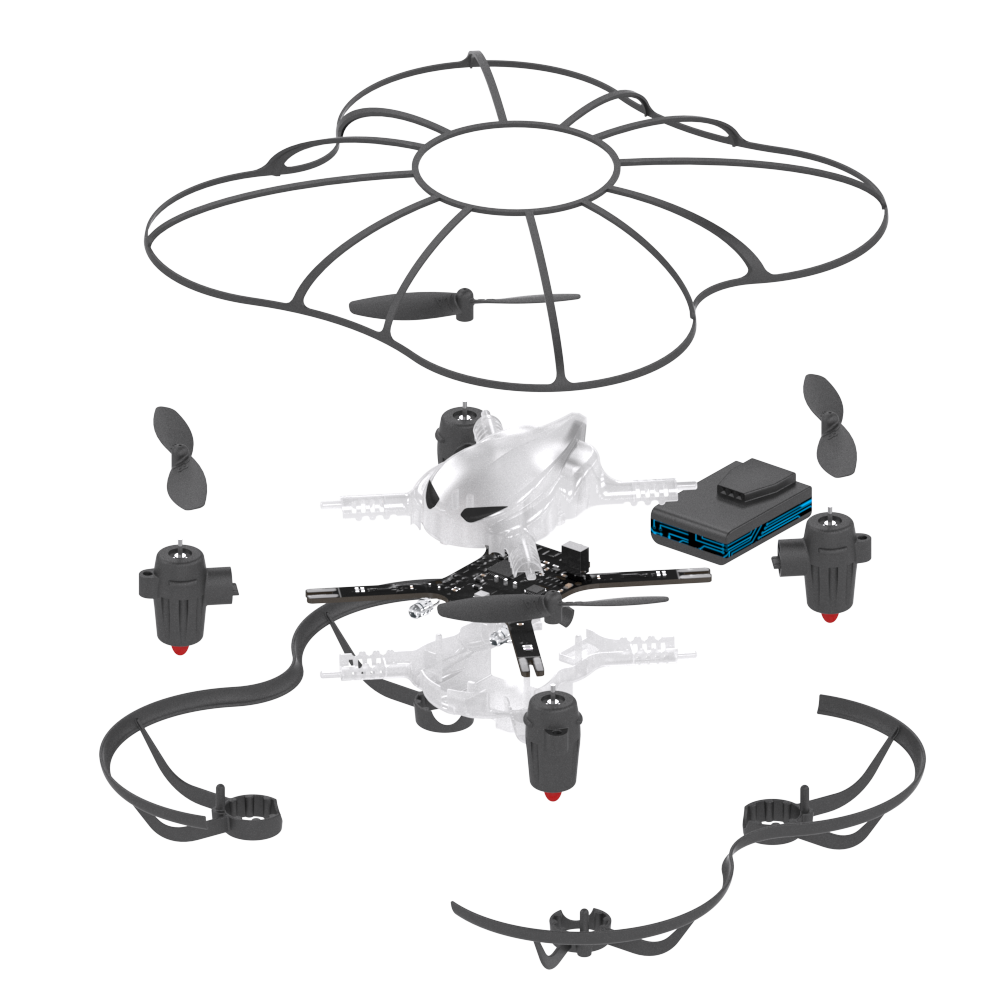
Modular Assembly
Understand the drone's structure by taking it apart and assembling it. It covers both coding and hardware learning.
Physical Coding
Control the drone directly with block coding and Python. An experiential lesson where code leads to real flight.
Which drone fits you?
Choose the right product for your goals and budget.
Beginner · Basic · Advanced
Coverage
Beginner → Basic → Advanced
Sensors
Multiple sensors (including front obstacle sensing)
Coding
Unplugged / Block Coding / Python
Autonomous Flight
Sensor-based autonomous flight
Gesture Control
Supports hand-motion control
Safety
Propeller guard
Best for schools planning long-term use and advanced lessons
Beginner · Cost-effective
Coverage
Beginner → Basic
Sensors
Basic sensors
Coding
Block Coding / Python
Safety
Full safety guard + ultra-lightweight
Module Assembly
Disassembly and assembly learning
Price
Reasonable cost
Best for budget-focused classes and younger students
Classrooms
growing with ALUX
0
Students
Students Reached
0
Schools
Schools Using ALUX Kits
0
Competitors
G-PRC Participants
Reviews
Stories from Teachers
"We introduced Coding Drone in a third-grade class, and starting with coding cards helped students follow along quickly. Because the same drone scales from card coding to block coding, we never needed to change kits, which made things very convenient."
Teacher Kim
Seoul OO Elementary · IT Teacher
"We use Coding Drone in after-school classes, and auto hovering helps students focus only on coding. In the past, class kept getting interrupted whenever the drone shook, but that no longer happens."
Instructor Park
Gyeonggi OO Education Center · After-school Coding
"We introduced Coding Rider for lower grades and Coding Drone for higher grades. It was the most satisfying kit for the budget. Coding Rider especially made it easy to secure lesson periods because it also supports assembly lessons."
Teacher Lee
Busan OO Elementary · SW Lead
Start with Coding Drone
and build a structured drone coding program
From adoption consulting to curriculum planning, ALUX works with you.