What is CodeTinker?
An overview of the ALUX CodeTinker robot kit and its key features.
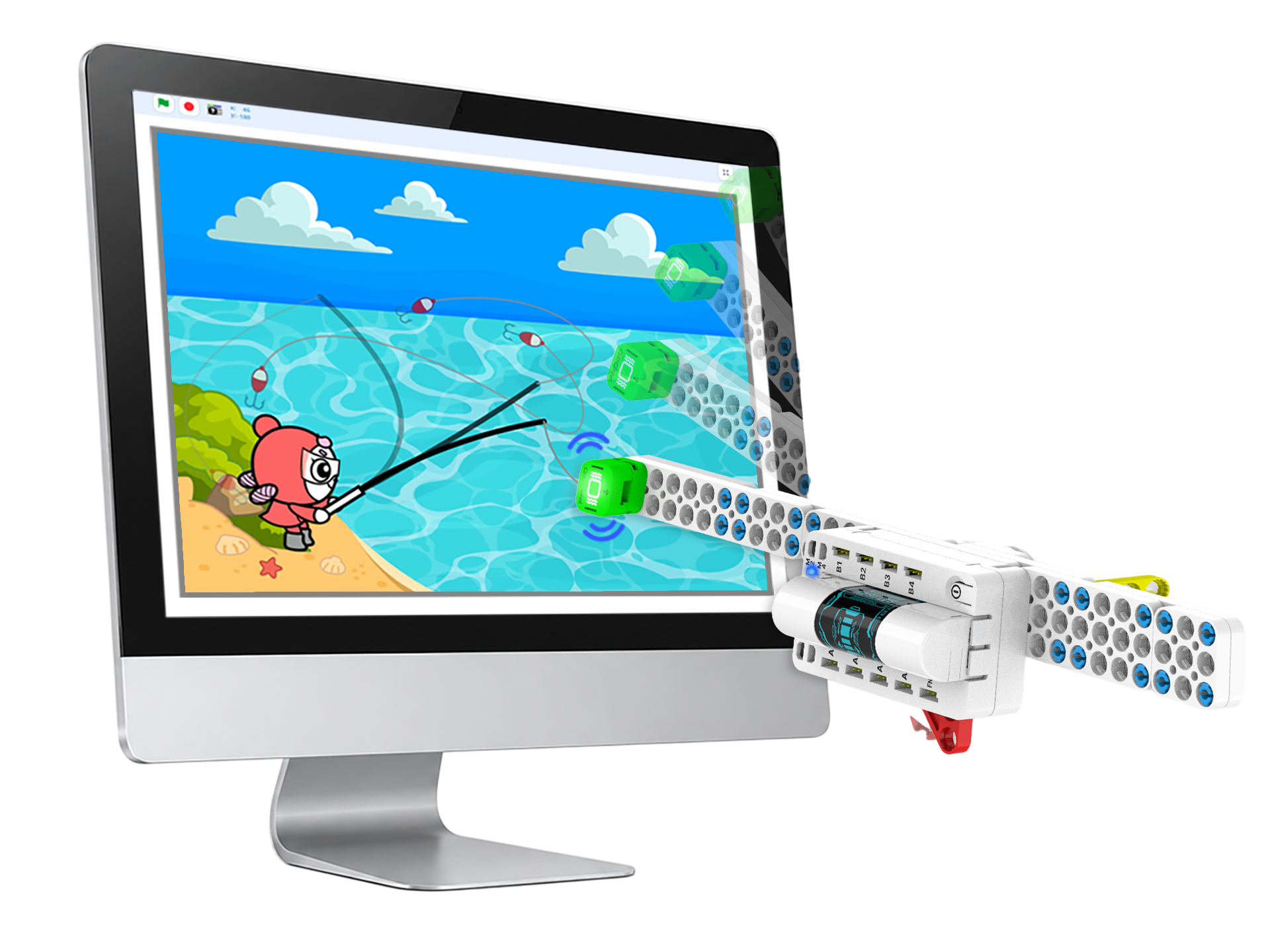
An education program that adds CodeTinker robot control blocks to a Scratch-based coding environment, letting students visually confirm how a real robot moves with the programs they write — making coding easy and intuitive to learn.
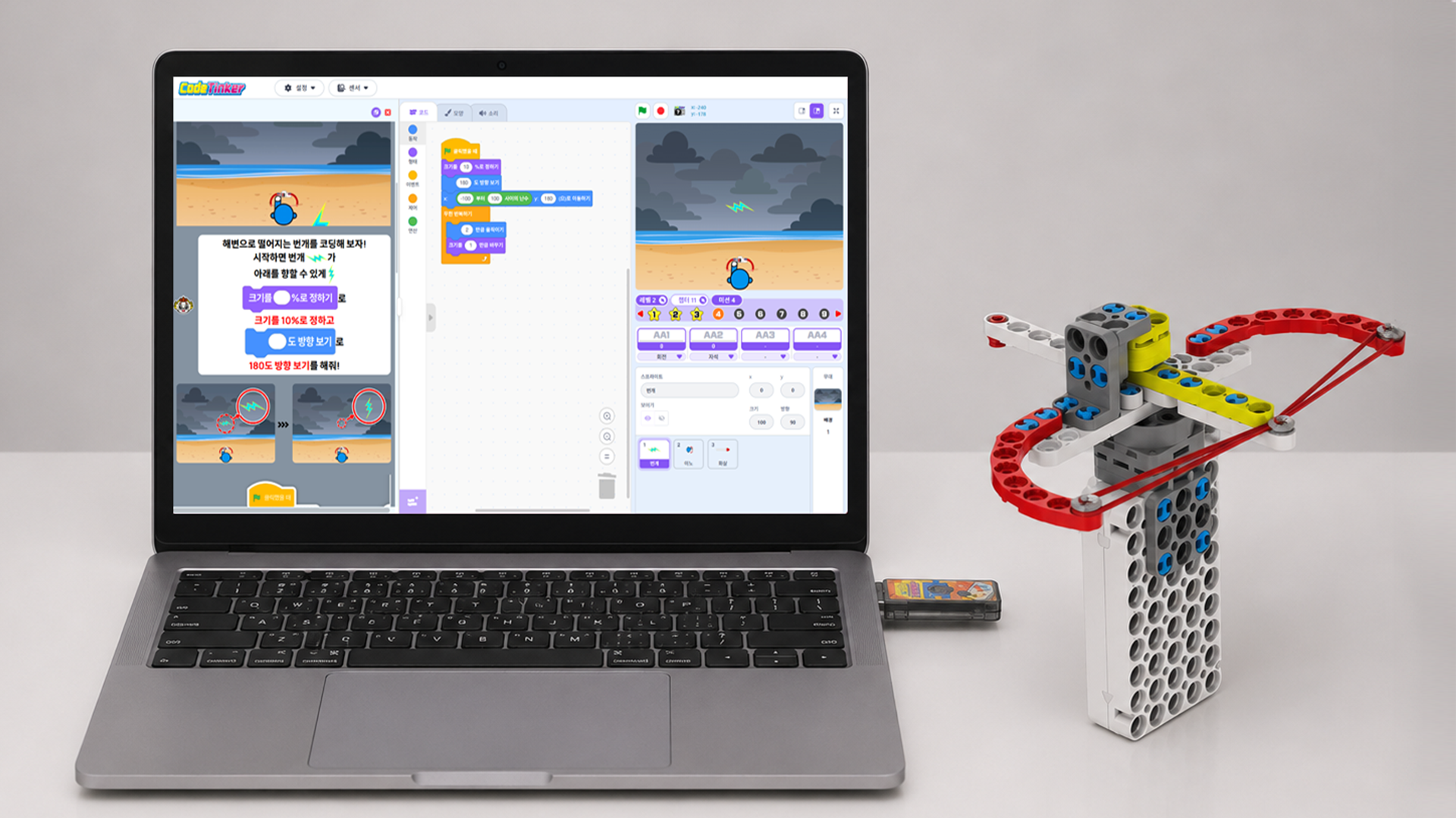
Organized into four levels. LV1 and LV2 are available now, with LV3 and LV4 coming soon.
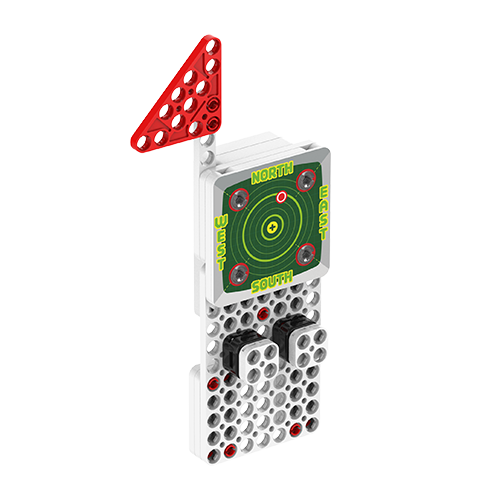
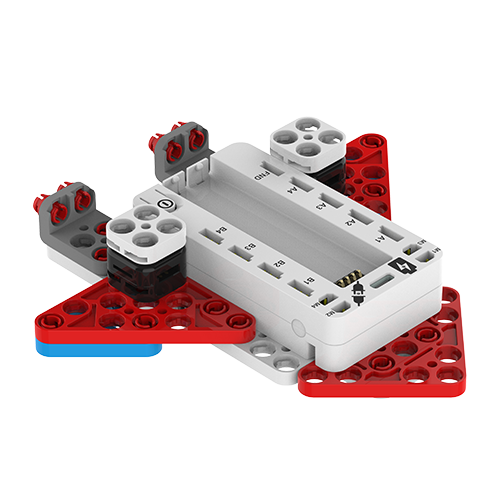
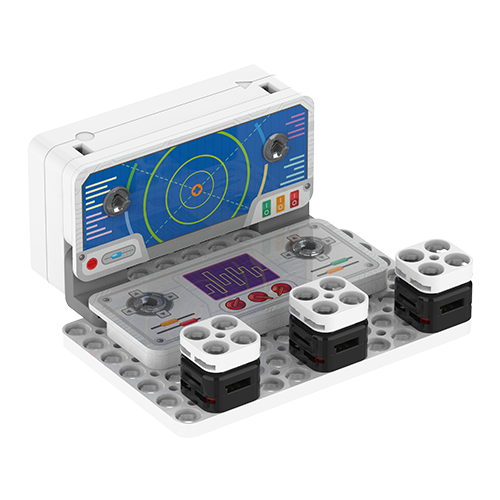
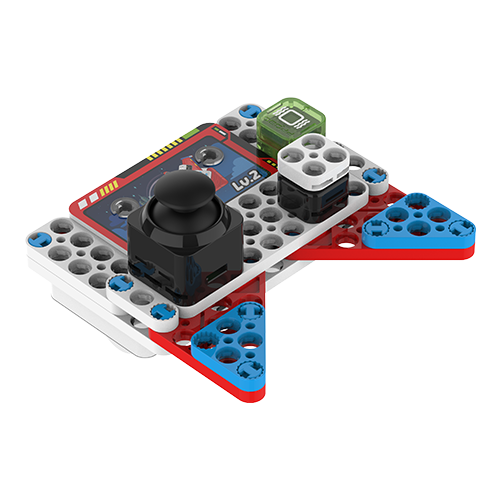
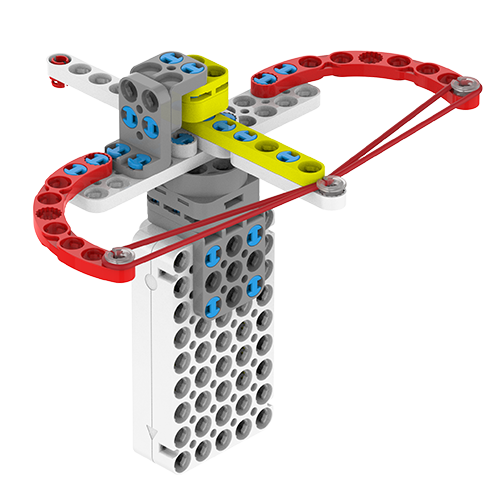
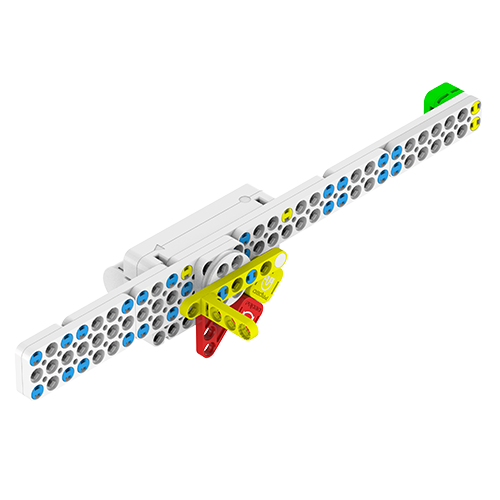
Control the robot through Bluetooth wireless connectivity and Scratch-based coding. Watch a real robot act out the programs you write.
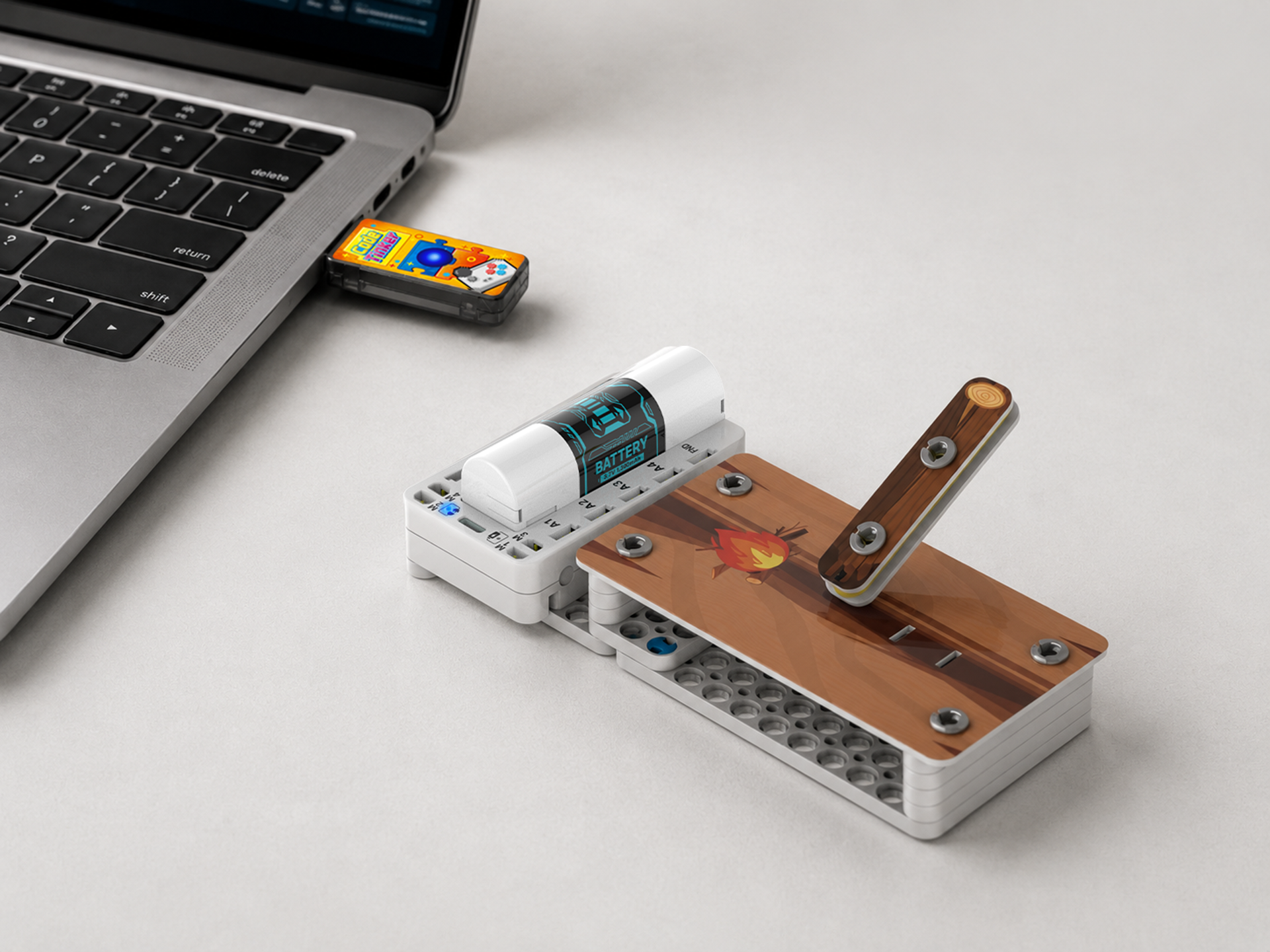
A tutorial video that walks through how to use CodeTinker.
Basic precautions to review before using the product.
If any parts are missing, please contact customer support.
Small parts pose a choking hazard — keep them away from young children.
Remove the batteries when the product will not be used for an extended period.
Do not fast-charge the battery with a 12V fast charger — it may cause a fire hazard.