Parts by Level
Review the parts included in each level.
Key Parts
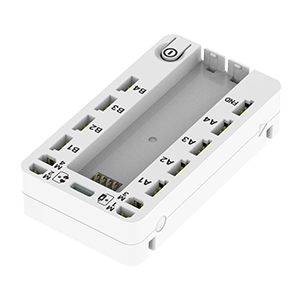
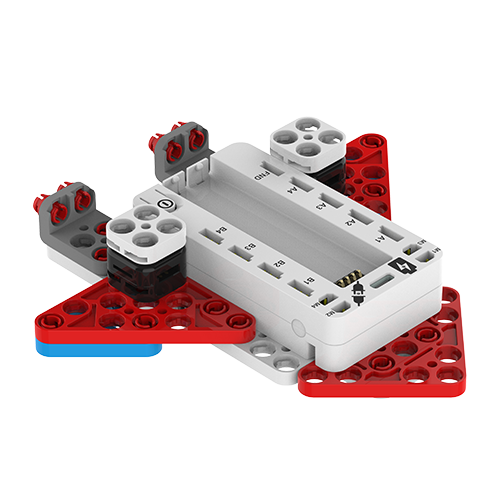
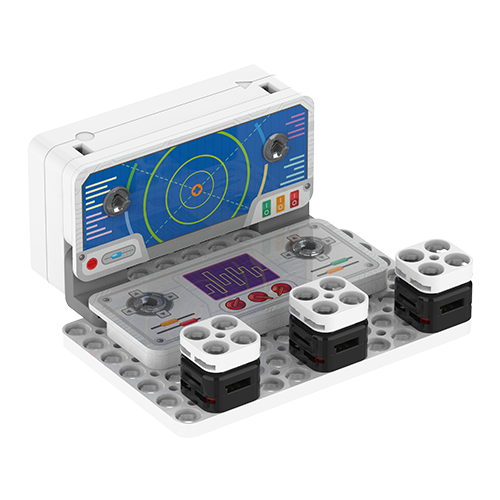
The Control Block is the central block that reads CodeTinker's various sensor inputs and controls the screen and devices based on coding instructions. It forwards inputs from joysticks, buttons, rotation and more to your program, and runs the actions that match your conditions. Through this, students can intuitively experience the basic coding loop of input, decision, and response.
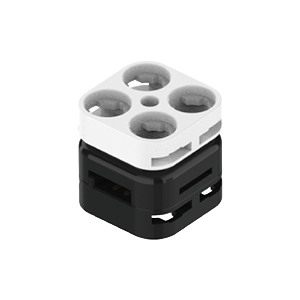
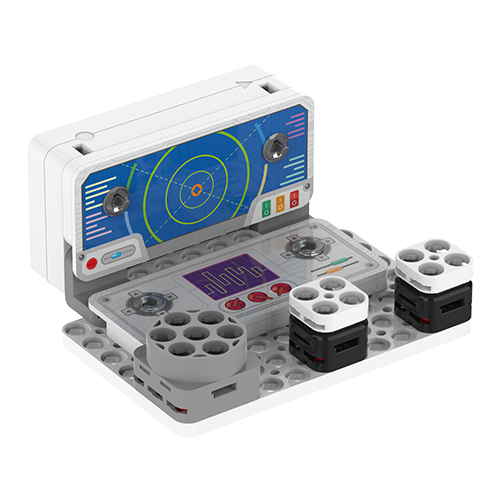
The Switch Block is an input sensor that detects when a button is pressed. When the switch is pressed, the Control Block reads the input state, and a Scratch program can use that value to move a character, start a game, or activate a device.
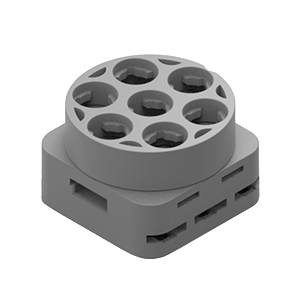
The Rotation Sensor lets you adjust an input value by turning a dial. When you turn the sensor by hand, the value changes with the degree of rotation, and that value is delivered to the program through the Control Block.
Part Quantity Check
Buildable Robots
4 types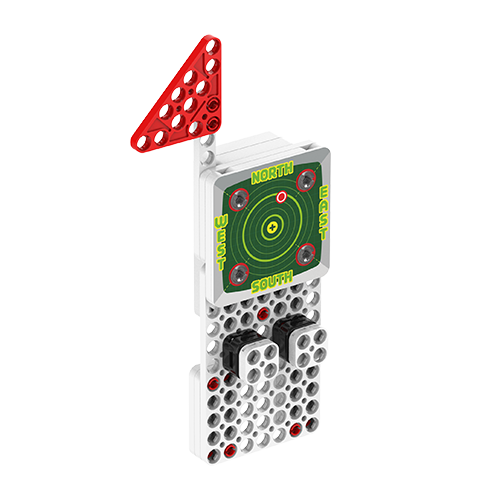
Notes
Actual quantities per CodeTinker level will be reflected after the official package list is confirmed.
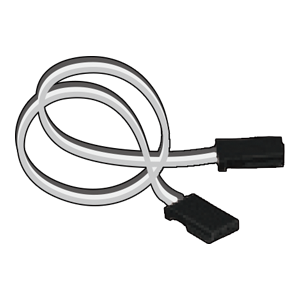
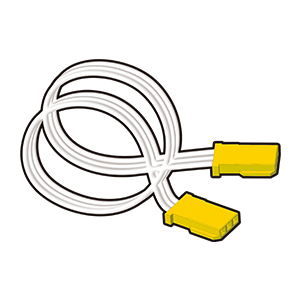
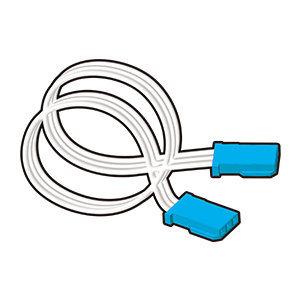
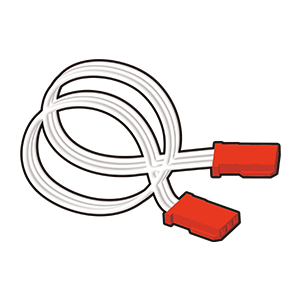
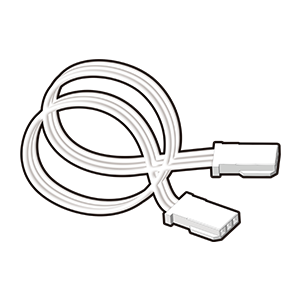
Check the direction of cable and sensor connections before assembly.