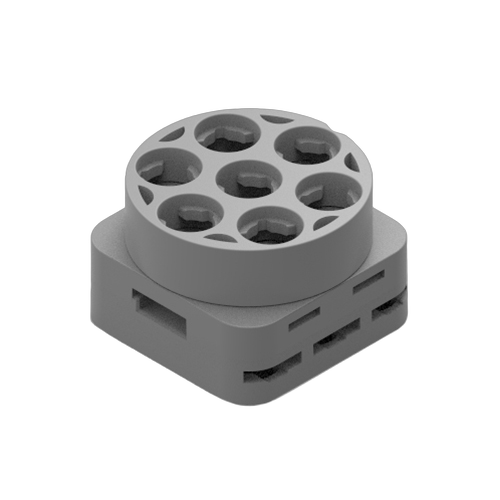
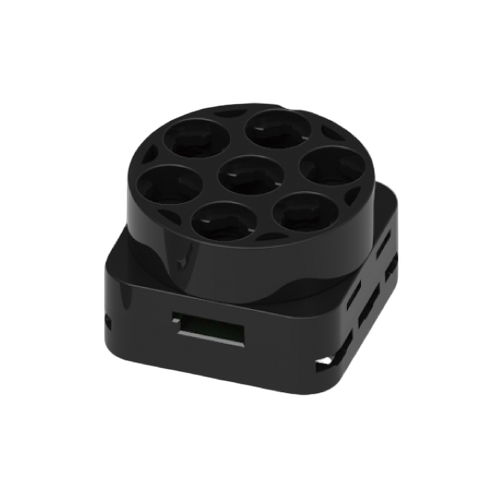
Extension Input Block
A block used when the CPU block's input ports are insufficient.
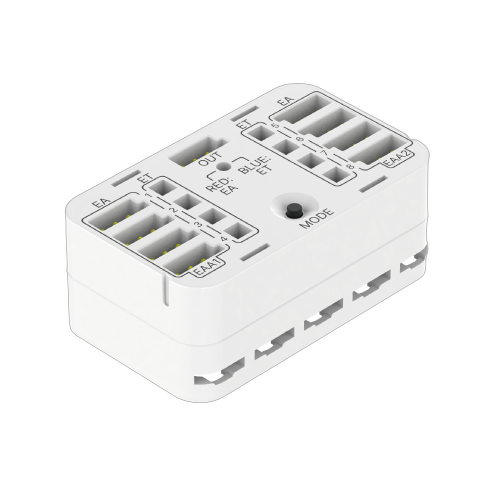
What is the Extension Input Block?
Provides 8 additional inputs, usable in two modes: digital (EA mode) or touch (ET mode).
How to Connect
- Connect the extension input block's OUT port to the CPU block's A4 port
- Press the CPU's power button to power on
- Long-press the MODE button to switch to the desired mode
Select Mode
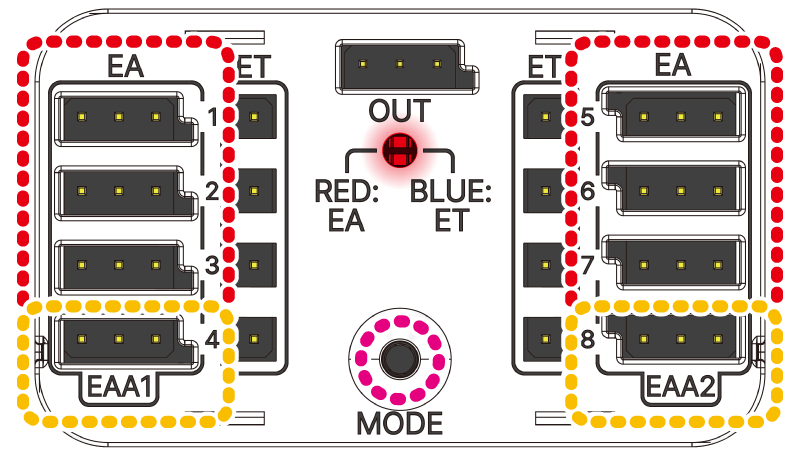
EA (External Digital A Port)
Digital input ports (1~8)
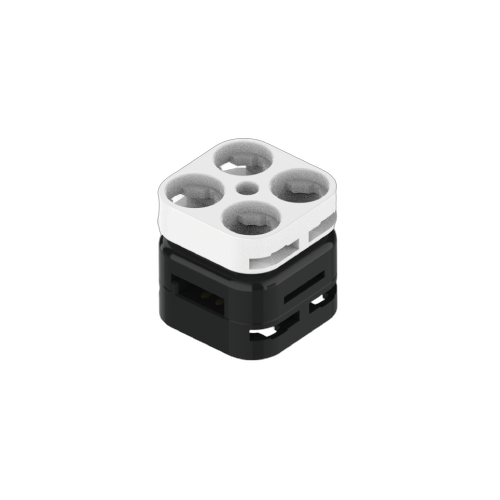 Switch Block
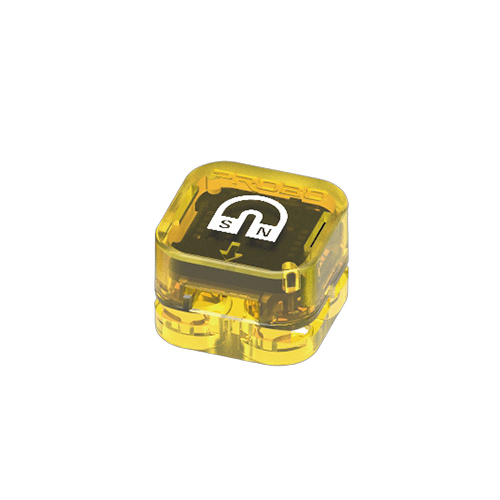 Magnet Sensor Block
EAA (External Analog A Port)
Analog input ports (EAA1, EAA2)
 Rotation Sensor Block
 Infinite Rotation Sensor
▶
Start: Press the CPU's start button to begin.
Cautions
1
Analog ports must be connected to EAA1·2.
2
While a touch block is pressed, do not press the MODE button.
3
During touch calibration, avoid touching the cables.
※ Even with incorrect setup, the system automatically switches between EA · ET modes based on the cable.